
Upload the ZIP in WordPress and activate Laleo Chat.
Laleo for WordPress
Free live agent chat and browser calls for WordPress.
Install the Laleo WordPress plugin, verify your email with OTP, and let the plugin register your site, create the widget, show live visitors, and report analytics inside wp-admin.

Plugin ZIP
Upload, activate, verify your email.
Upload the ZIP in WordPress, activate it, and open Laleo Chat > Setup. Email OTP connects or creates the Laleo account, then you can select a matching widget or create a new one for the WordPress site.
 laleo-chat.zip
Plugin 1.1.7. Requires WordPress admin access and an email address. Existing widgets can be selected after OTP, with matching domains recommended first.
laleo-chat.zip
Plugin 1.1.7. Requires WordPress admin access and an email address. Existing widgets can be selected after OTP, with matching domains recommended first.
Setup
Go from WordPress admin to live visitor calls in minutes.
Go to Laleo Chat in wp-admin and enter the site owner's email.
Laleo signs you in, recommends widgets that match the site domain, or lets you create a new widget.
Use Laleo Chat > Live Visitors to reply to chats, review activity/calls, and launch call dialogs scoped to this site.
Use Laleo Chat > Analytics to see this widget's pages, campaigns, messages, visitors, and usage.
Manual site install
Add Laleo once so it appears across the whole site.
For non-WordPress websites, paste the snippet into the global layout, shared footer, tag manager, or template that every public page uses. Put it before the closing body tag so Laleo loads after the page content and follows visitors as they move through the site.
<script async src="https://laleo.chat/widget.js"
  data-laleo-widget="YOUR-WIDGET-ID"></script>
Add the snippet to the global footer, base layout, or CMS theme file rather than one page at a time.
Use the Laleo widget setup screen to check the site and confirm the widget was found.
The WordPress plugin automatically sends logged-in user metadata before Laleo loads, with a setting to turn it off.
In widget settings, add excluded URL paths or CSS zones for portals, admin sections, checkout flows, or pages where tracking should not run.
No theme edits
Keep your WordPress theme untouched.
The plugin inserts the Laleo widget script for you, so you do not need to edit templates, paste code into theme files, or rebuild pages after a theme update. ZIP-installed copies also check Laleo for native WordPress updates.

Visitor intelligence
See what WordPress visitors are doing right now.
Laleo shows active visitors, current pages, referrers, chat messages, and call events in one dashboard. The plugin also adds WordPress-scoped Live Visitors and Analytics screens for this website only.
Voice and video
Start conversations before visitors leave.
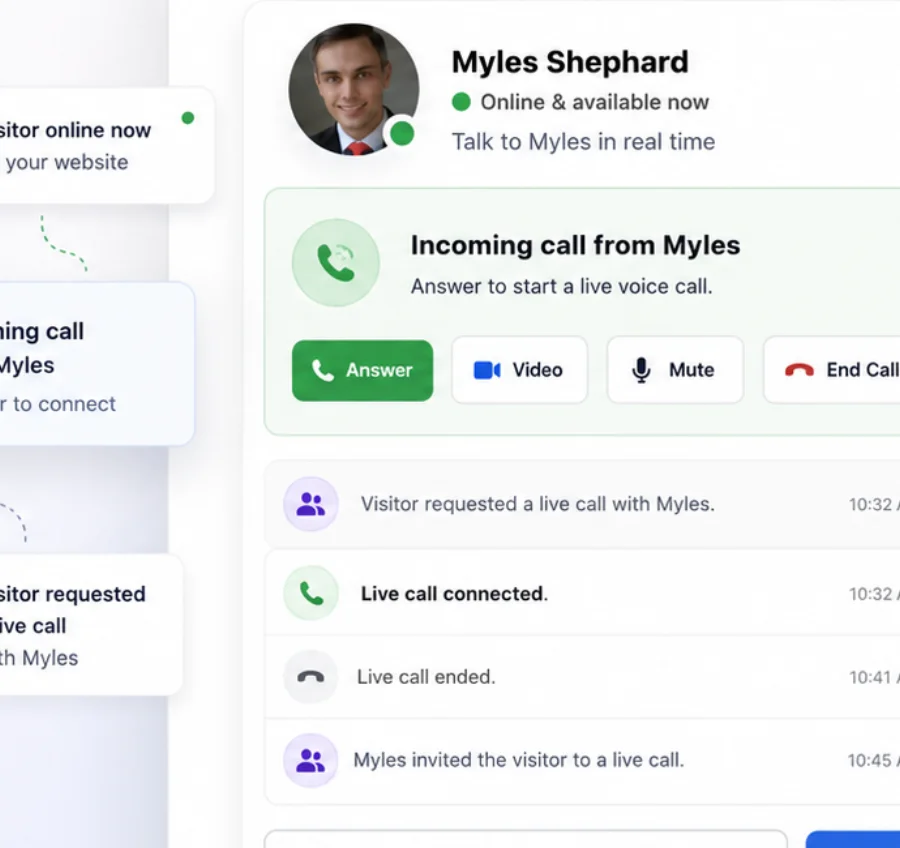
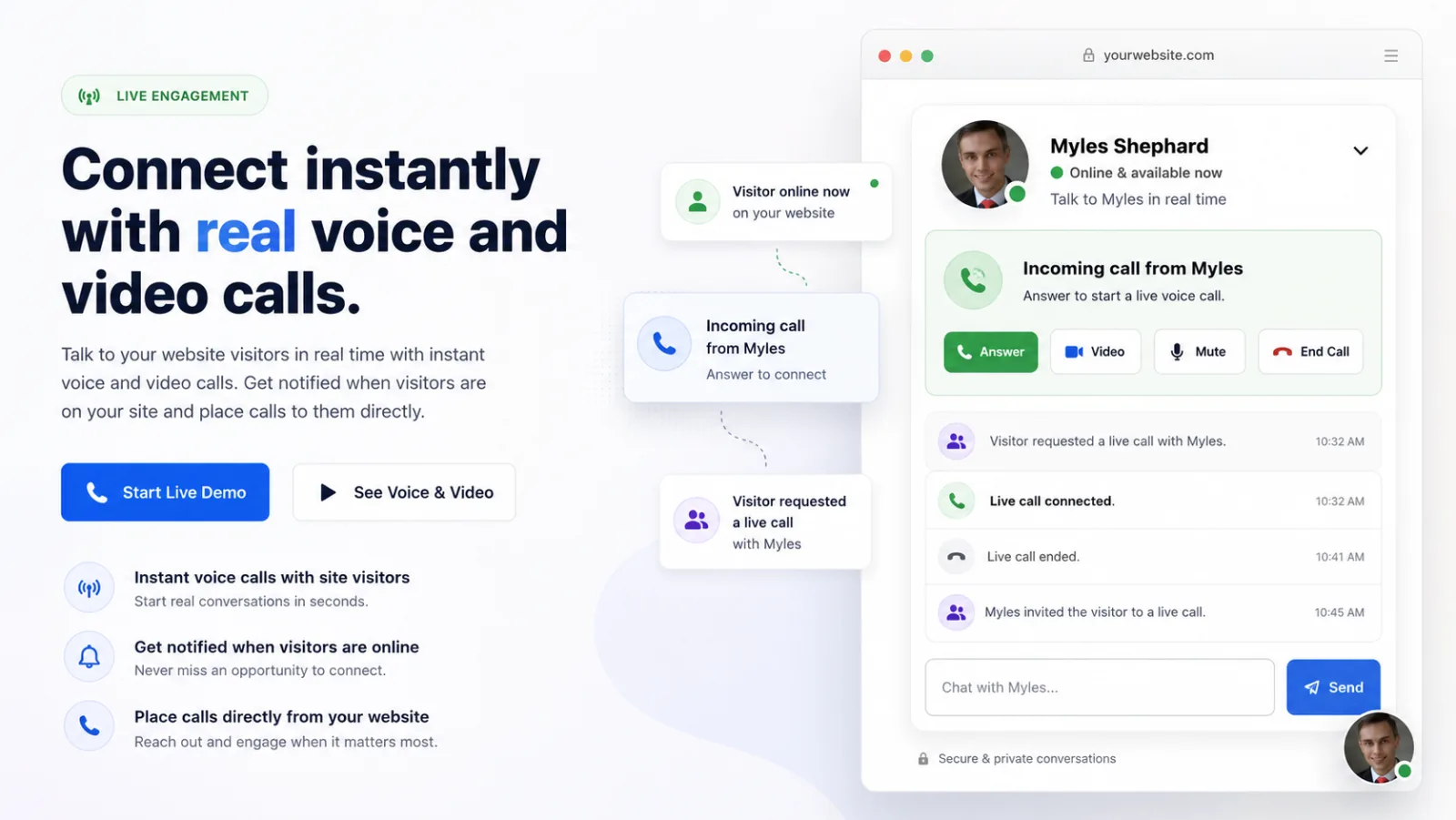
Let visitors request a call or invite them from the dashboard. Laleo handles browser-based voice and video through the same widget your WordPress site loads.
Ready to add Laleo to WordPress?
Download the plugin ZIP, verify your email in wp-admin, and start seeing WordPress visitors in Laleo.
Download WordPress plugin